Cost of Video Analytics vs. Manual Review: A Look
Video analytics replaces labor with processing power. The cost depends on camera count, AI workload, and integration. Manual review requires trained staff. The best choice depends on site traffic, alarm volume, and existing workflows.
- Video analytics shifts spending from hourly labor to capital and software licensing.
- The total cost includes cameras, processors, storage, and integration, not just the AI engine.
- Manual review remains cheaper for low traffic but scales poorly with alarm volume.
- A clear RFQ should separate hardware, software, and service costs to compare quotes fairly.
- Pilot testing on real footage reduces the risk of overbuying analytics features.
How to Structure the Cost Comparison
Do not compare the sticker price of an AI camera to the hourly wage of a security guard. That comparison misses the real expense. Video analytics changes how a security team spends its budget. It moves cost from recurring labor to hardware, software, and maintenance.
To build a fair model, separate the costs into three buckets. The first is capital cost, which covers cameras, servers, storage, and cabling. The second is operational cost, which covers power, cooling, software licenses, and vendor support. The third is labor cost, which covers the people who monitor alarms or review clips.
Manual review relies entirely on the third bucket. Video analytics reduces labor by filtering events. However, it increases the first and second buckets. A system that processes motion on every camera requires more processing power than a system that only analyzes a single door. The cost gap widens when the site has high traffic or complex lighting conditions.
A useful starting point is to calculate the cost per alarm. If a manual review team spends two hours a day reviewing clips, and the analyst earns a standard market rate, the labor cost is fixed. If the video analytics system generates fifty alarms a day, the review burden drops. If it generates five hundred, the system may be too sensitive. The cost is not just the software. It is the cost of the remaining human work.
What Drives the Price of Video Analytics
The price of a video analytics deployment is driven by four main factors. The first is the number of cameras being processed. Most vendors price per camera or per channel. If the site has a hundred cameras, the license fee is higher than for a ten camera site.
The second factor is the type of analytics. Basic motion detection is cheap. Object detection, such as distinguishing between a person, a vehicle, and an animal, costs more. Advanced features like license plate recognition or face detection require more processing power and often cost more per camera.
The third factor is the processing architecture. You can run analytics on the camera itself, which is common in AI security cameras. This reduces the load on the central server but limits the complexity of the algorithms. You can also run analytics on a central server or in the cloud. A central server gives you more flexibility but adds a hardware cost. Cloud processing shifts capital cost to monthly service fees, but it may raise data privacy concerns for some buyers.
The fourth factor is integration. If the analytics need to send alerts to an existing access control system or a building management system, you pay for integration work. This is often the most underpriced part of the project. Vendors may quote the software at a low price, but the engineering work to make it talk to existing systems can be significant.
Manual Review: The Cost of Labor and Time
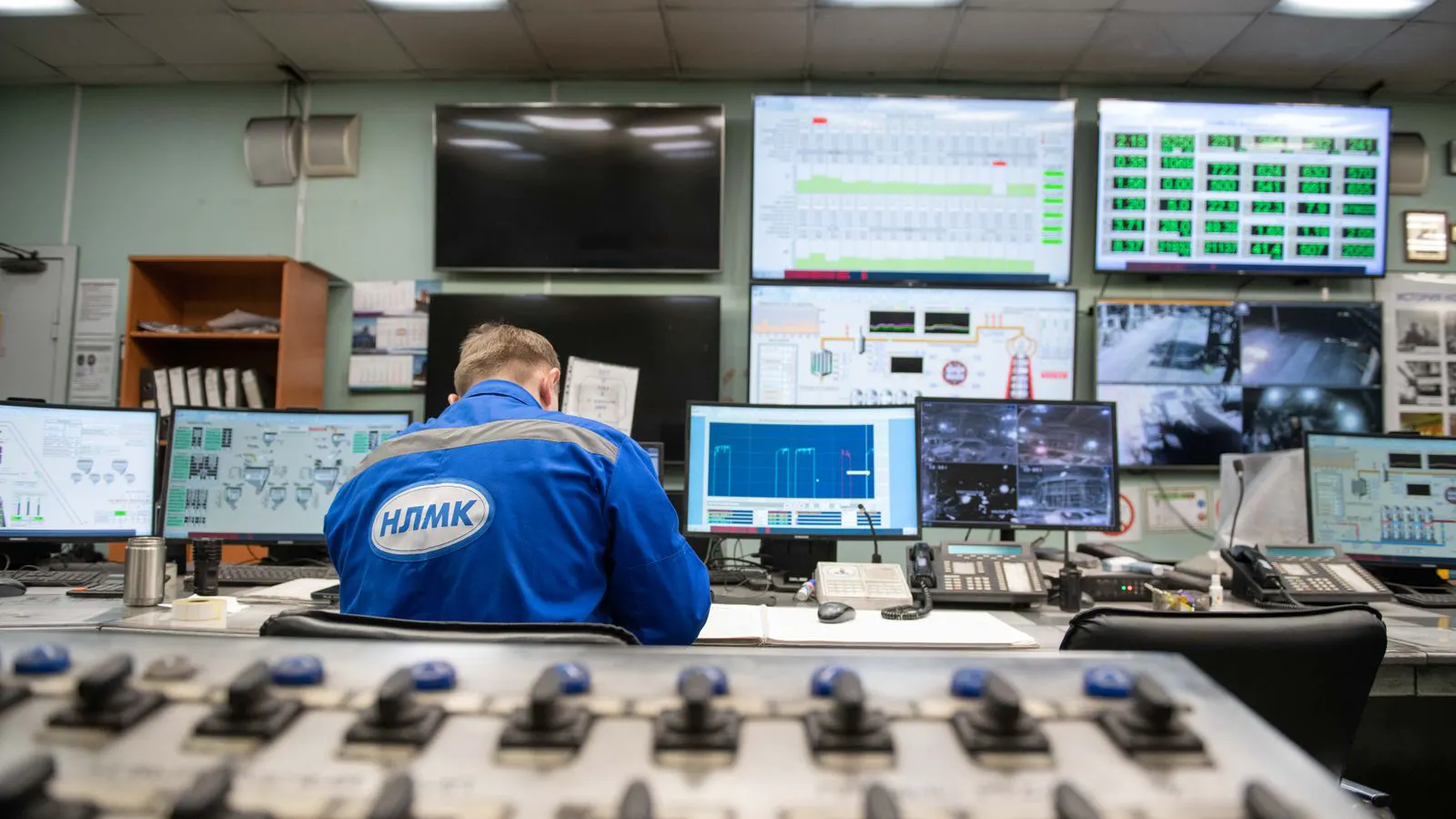
Manual review is the baseline. It requires a person to watch a screen or review recorded clips. The cost is direct. It is the salary or hourly wage of the operator, plus the cost of the monitor and the chair. It also includes the cost of missed events.
The biggest limitation of manual review is attention. A human operator cannot watch forty screens simultaneously. They must switch between feeds. This creates a blind spot. If a camera shows a person standing still in a dark corner, the operator may not notice. If a vehicle passes in the background, it is easily missed.
Manual review is effective for low traffic sites. If the site has two cameras and a few alarms a day, a single operator can handle it. But as the number of cameras grows, the labor cost grows linearly. You cannot watch more screens without adding more people.
There is also a training cost. A new operator needs time to learn the site layout, the normal patterns, and the specific alarms that matter. This training time is a cost that does not show up in the invoice but eats into productivity.
Where Video Analytics Saves Money
Video analytics saves money by reducing the number of alarms that require human attention. It filters out irrelevant events, such as shadows, swaying trees, or animals. This leaves the operator with only the alarms that matter.
The saving is not always immediate. The system must be tuned. If the system is too sensitive, it creates false alarms. The operator still has to review them. If the system is too strict, it misses real events. The goal is a balance where the false alarm rate is low enough to save time, but not so low that real threats are missed.
The saving is also in storage. If you only record when an alarm occurs, rather than recording all the time, you reduce the number of hours stored. This can lower the storage cost. However, this comes with a risk. If the system fails to detect an event, you do not have the footage. Many sites choose to record all the time, which means the storage cost is fixed regardless of the analytics feature.
How to Write a Clear RFQ
A vague request for quotation leads to vague answers. When you ask for a quote for video analytics, you must define the scope. Do not just say “I need AI cameras.” Specify the number of cameras, the type of analytics, and the integration requirements.
A clear RFQ should include the following items:
- The number of cameras and their locations.
- The specific analytics features required, such as person detection or vehicle detection.
- The processing architecture preference, such as on camera or central server.
- The integration requirements with existing systems.
- The expected alarm volume and retention period.
- The service level agreement and support requirements.
When you provide this level of detail, vendors can give you a comparable quote. You can then look at the line items and see where the cost is going. This helps you identify if one vendor is charging more for integration or if another is using a cheaper camera that may not support the required analytics.
How to Compare Quotes Fairly
Do not compare the total price of two quotes without looking at the components. One quote may include the cameras, the server, the software, and the installation. Another may only include the software license. You need to break down the cost to see what you are actually paying for.
Look at the cost per camera for the software. If one vendor charges ten dollars per camera per year and another charges fifteen dollars, the difference may be justified by better accuracy or support. But if the accuracy is similar, the cheaper option may be better.
Also look at the cost of the hardware. A camera with built in analytics may be more expensive upfront, but it may save on the central server cost. A camera without built in analytics is cheaper, but you need a powerful server to process the video. Calculate the total cost of ownership over three or five years. This includes the initial cost, the annual license fee, the power cost, and the maintenance.
The table below shows the typical cost drivers for a video analytics project.
| Cost Driver | Description | Impact on Budget |
|---|---|---|
| Camera Count | Number of cameras processed | Scales linearly with site size |
| Analytics Type | Complexity of detection | Higher cost for advanced features |
| Processing | On camera vs central server | Affects hardware and power costs |
| Integration | Connection to existing systems | Variable engineering cost |
| Support | Vendor service and maintenance | Recurring annual cost |
Final Thoughts
The choice between video analytics and manual review is not about which one is cheaper. It is about which one fits the site. A high traffic site with many cameras will benefit from analytics because the labor cost of manual review becomes unmanageable. A small site with low traffic may be better off with manual review and a few cameras.
The key is to model the cost. Calculate the labor cost for manual review. Calculate the capital and operational cost for video analytics. Compare them over the expected life of the system. The answer will depend on your specific site, your budget, and your risk tolerance.
Frequently asked questions
Is video analytics always more expensive than manual review?
No. For small sites with few cameras, manual review is cheaper. For large sites with many cameras, video analytics becomes cheaper because it reduces the need for multiple operators.
What is the biggest hidden cost in video analytics?
Integration work. Connecting the analytics to existing systems like access control or building management often costs more than expected and takes longer.
Can I start with manual review and add analytics later?
Yes. You can start with standard cameras and manual review. Later, you can add analytics by upgrading cameras or adding a central server. This allows you to scale the budget.
How does the type of analytics affect cost?
Simple motion detection is cheap. Advanced features like license plate recognition or face detection cost more per camera and require more powerful processing hardware.
What should I prioritize in an RFQ?
Prioritize clarity. Specify the number of cameras, the required features, and the integration needs. This helps vendors provide accurate and comparable quotes.