Buying Guide: AI Security Cameras for High-Traffic Sites
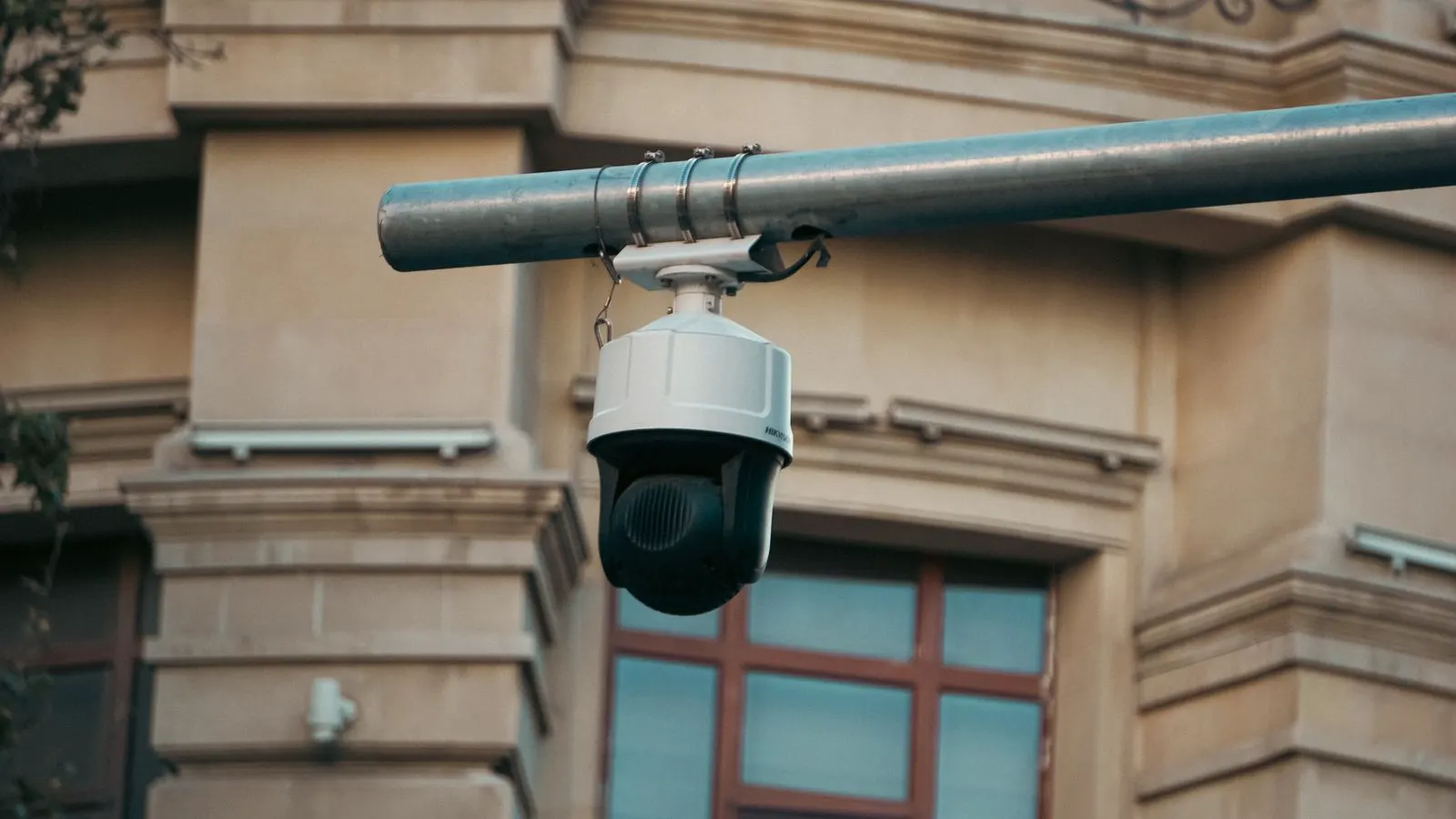
Selecting AI security cameras for busy environments requires balancing processing power, camera resolution, and analytics accuracy. This guide outlines the hardware criteria, integration checks, and operational requirements needed to reduce false alarms and manage data effectively for commercial security.
- Match processing power to the number of concurrent streams and analytics functions required.
- Verify camera resolution and frame rates support the specific detection tasks at the site.
- Check network bandwidth and storage requirements before finalizing hardware selection.
- Prioritize systems that allow fine-tuning of detection zones and alarm thresholds.
- Plan for ongoing maintenance of model performance and system updates.
What is the core difference between standard IP cameras and AI-enabled units
Standard IP cameras capture and store video footage. AI-enabled units analyze that footage in real time to identify specific objects, such as people, vehicles, or bicycles, and to detect behaviors like loitering or falling. For high-traffic commercial sites, this distinction fundamentally alters the procurement model. You are no longer purchasing a simple lens and sensor assembly. You are buying a processing pipeline that must interpret visual data instantly.
The camera hardware must feed data to a processor, either on the edge or in the cloud, at a speed that matches the traffic flow. If the processor lags, the system misses events. If the resolution is too low for the detection distance, the AI model struggles with detection. For example, a camera positioned thirty meters away cannot reliably distinguish between a pedestrian and a cyclist if the resolution is insufficient. This guide covers the criteria to evaluate these components together, ensuring the hardware and software work in tandem.
How to evaluate processing architecture for busy environments
High-traffic sites generate significant data volume. The processing architecture determines whether the system can handle the load without dropping frames or delaying alerts.
- On-premise edge processing: The analytics run on a local server or a dedicated gateway unit connected to the network. This keeps data local, reduces bandwidth usage on the WAN, and ensures low latency for local alarms. It is often the preferred method for sites with strict data privacy requirements or high traffic. For instance, a hospital or a logistics warehouse with sensitive operations often chooses this path to keep video within the facility walls.
- Cloud-based processing: Video is uploaded to a remote server for analysis. This shifts the computational load and can simplify hardware costs, but it introduces dependency on internet connectivity and raises questions about data residency and bandwidth costs. If the internet connection drops, the analysis stops.
- Hybrid approaches: Basic motion detection runs on the camera, while complex object classification runs in the cloud or on a local server. This balances speed and accuracy. The camera handles simple triggers like motion or presence, while the server handles complex tasks like face recognition or license plate reading.
For a high-traffic retail or transportation hub, on-premise edge processing is often the safer operational choice. It isolates the site’s data and ensures alarms fire locally even if the internet connection drops. This reliability is critical when a security operator needs to verify an intrusion alarm immediately.
Key hardware specifications to check
Do not look at the camera in isolation. Check the processor type, memory, and network capabilities. The camera is the sensor, but the processor is the brain. If the brain is too slow, the sensor is useless for real-time analytics.
| Criterion | What to look for | Why it matters |
|---|---|---|
| Processor Power | Dedicated AI accelerator, high frame rate processing capability | Handles multiple streams and complex analytics without lagging |
| Resolution and Frame Rate | Sufficient pixels for the detection distance, 30fps or higher for fast motion | Low resolution causes missed detections; low frame rates blur fast movement |
| Storage Capacity | Local buffer size, retention period capability | Ensures video is available for review even if the network fails |
| Network Bandwidth | Gigabit Ethernet, support for high-throughput streaming | Prevents packet loss and dropped frames in high-traffic areas |
| Power Consumption | PoE+ support, energy efficiency ratings | Reduces cabling complexity and long-term energy costs in large deployments |
A camera with 4K resolution but a weak processor will struggle to run multiple AI models. Conversely, a powerful processor paired with a low-resolution lens will fail to identify details in a crowded scene. The hardware must be balanced. Consider the physical layout. A wide-angle lens covering a large area requires more processing power to analyze every pixel than a narrow-angle lens focused on a single doorway.
Video analytics accuracy in crowded scenes
The primary failure mode for AI security cameras in high-traffic areas is false positives and missed detections. Crowding creates occlusion, where people block each other. The AI must be able to distinguish a person from a vehicle, or a shopper from a delivery worker. In a busy shopping mall during peak hours, occlusion is constant. If the model is not trained on diverse datasets that include crowded scenes, it will likely fail.
Evaluate the vendor’s approach to object detection. Does the system use deep learning models trained on diverse datasets? Ask for sample performance metrics in crowded environments, not just open fields. Request data on detection accuracy in specific scenarios, such as a person walking behind a cart or a group of people moving together.
Check for “zone-based” analytics. This allows you to define specific areas of interest, such as a high-value display case or an entrance. The AI only processes and alarms on events within these zones. This significantly reduces noise and operator fatigue. For example, in a bank, you might set a zone around the teller counter and a separate zone around the main entrance. The system can apply different sensitivity levels to each zone. The entrance might trigger on any person, while the teller counter might only trigger on unauthorized access attempts.
Integration with existing infrastructure
Most commercial security sites already have existing cameras, NVRs, or VMS platforms. Introducing AI hardware requires compatibility checks. A new AI camera that does not talk to the existing VMS creates a data silo. The operator has to log into two systems to see the full picture.
- Video Format: Ensure the camera supports standard formats like ONVIF or RTSP for easy integration. These protocols ensure the video stream can be pulled into the existing management software without proprietary lock-in.
- Event Triggers: Can the AI events trigger actions in your existing system? For example, can an “intruder detected” alert trigger a siren or a pop-up on a security operator’s screen? If the alert goes to a separate dashboard that no one monitors, the system is useless.
- Data Storage: Where is the annotated video stored? If the AI adds metadata to the video, ensure your storage system can handle the increased file sizes or metadata tags. Some NVRs store the raw video and the AI metadata separately, which can complicate playback.
- User Access: Can you log in to the AI dashboard from your existing identity management system? If the AI dashboard requires a separate login, it increases the administrative burden and creates a security risk.
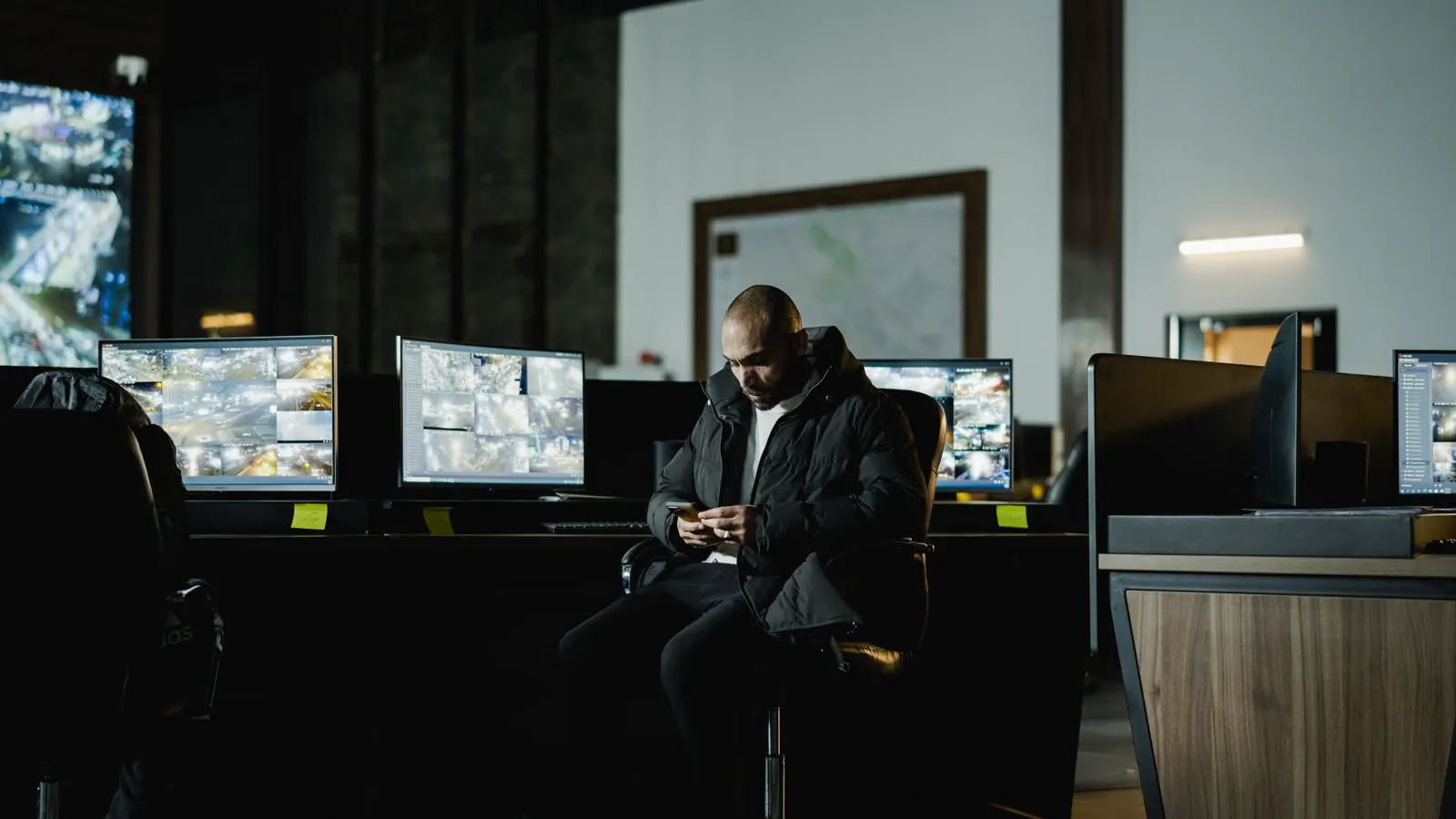
A smooth integration prevents data silos. If the AI alerts go to one screen and the video playback goes to another, operators will miss context. They need to see the alert and the corresponding video clip simultaneously. Test the integration in a staged rollout before committing to a full site deployment.
Operational and maintenance considerations
AI systems are not “set and forget.” The performance of a machine learning model can degrade over time as the environment changes. Seasonal changes, renovations, or new furniture can alter the visual cues the model relies on.
- Model Updates: How often does the vendor provide updates to the detection models? Do you need to restart the system to apply them? Frequent updates can cause downtime. Look for vendors that offer over-the-air updates that do not interrupt service.
- False Alarm Tuning: Can you adjust sensitivity levels for different times of day? A busy mall at 12 PM requires different thresholds than a quiet store at 2 AM. If the system triggers on every movement during the day, the operator will ignore it. You need to tune the sensitivity to match the expected traffic flow.
- Hardware Lifespan: AI processors generate heat. Check the thermal management of the unit, especially if it is installed in an enclosed ceiling space. Overheating can throttle the processor and reduce performance, or it can shorten the lifespan of the hardware.
- Cybersecurity: AI cameras are network endpoints. Ensure they support strong encryption, regular firmware updates, and network segmentation to protect against attacks. An unpatched AI camera can become a vector for a ransomware attack.
Budget for the labor required to tune the system. A generic “out of the box” setup will likely produce too many false alarms. You need time to map out detection zones and calibrate the models to your specific site. This initial tuning is often underestimated in budgeting. Plan for at least a week of on-site support during installation to ensure the system is properly calibrated.
Cost structure and total ownership
The sticker price of the camera is only part of the cost. High-traffic sites incur higher costs across several areas. The initial capital expenditure must be weighed against the long-term operational benefits.
- Processing Hardware: Edge servers or dedicated analytics gateways can be a significant capital expenditure. For a large site, you may need multiple servers to handle the load. This cost is usually higher than the cameras themselves.
- Network Upgrades: You may need to upgrade your switch infrastructure to handle the bandwidth required for high-resolution, real-time AI streaming. If the network is not up to standard, the video will buffer or drop frames.
- Storage Expansion: If you retain annotated video for longer periods, you need more storage. Annotated video often contains metadata that increases the file size compared to raw video.
- Support and Training: Training your security staff on how to interpret AI alerts is a recurring cost. Operators need to understand what the alerts mean and how to respond to them. If they do not trust the system, they will ignore it.
Compare the cost of the AI solution against the cost of the manual labor it replaces. If the system reduces the need for constant manual monitoring of 50 screens, that labor cost savings must be part of the return on investment calculation. For example, if an operator is watching 50 screens and misses an intrusion, the cost of that miss is high. The AI system can focus on specific zones and alert the operator only when necessary. This frees up the operator to handle other tasks or reduces the need for multiple operators. Calculate the total cost of ownership over three to five years, including maintenance, upgrades, and labor savings. This gives you a clear picture of the value the system provides.
Frequently asked questions
Can I add AI analytics to older IP cameras?
Yes, in many cases. You can use a third-party video analytics software that processes the video stream from standard cameras. However, the resolution and frame rate of the older hardware will limit the accuracy of the AI detection.
What is the difference between a camera with built-in AI and a standalone analytics server?
Built-in AI processes the video directly on the camera's processor. A standalone server processes video from multiple cameras. Servers are often more powerful and easier to update, but they require more network bandwidth.
How do I reduce false alarms in a high-traffic area?
Use zone-based detection to limit analysis to specific areas. Tune the sensitivity levels for different times of day. Ensure the camera resolution is high enough for the detection distance. Regularly review and adjust the detection models.
Is cloud-based AI security better than on-premise for high-traffic sites?
It depends on your priorities. Cloud-based solutions can be easier to manage and scale. On-premise solutions offer lower latency, better data privacy, and no dependency on internet connectivity. For critical security, on-premise is often preferred.
How often do I need to update the AI models?
This varies by vendor. Some models are static, while others are updated regularly to improve performance. Check with the vendor for their update schedule and whether updates require a system restart.