HD-CVI vs IP: Cost, Lead Time, and Total Ownership
HD-CVI cameras usually cost less upfront and have shorter supply chains than IP cameras. However, IP systems often offer lower long-term maintenance costs. This guide breaks down the financial and delivery differences to help you choose the right system.
- HD-CVI systems typically have lower upfront costs than IP systems due to simpler infrastructure.
- IP cameras generally face longer supply chain lead times compared to analog HD-CVI units.
- Total cost of ownership depends on whether you prioritize initial capital or long-term operational savings.
- Clear RFQs and fair quote comparisons are critical to avoid hidden costs in either technology.
- Analog HD-CVI often wins on delivery speed, while IP often wins on long-term operational efficiency.
What Drives the Upfront Price Difference
The sticker price of a camera system is rarely the only number that matters. For HD-CVI cameras, the cost is usually tied to the camera itself and the recording unit. You are paying for a sensor, an encoder, and a coaxial cable run. The infrastructure is straightforward. You need a power source and a cable. That keeps the bill of materials tight.
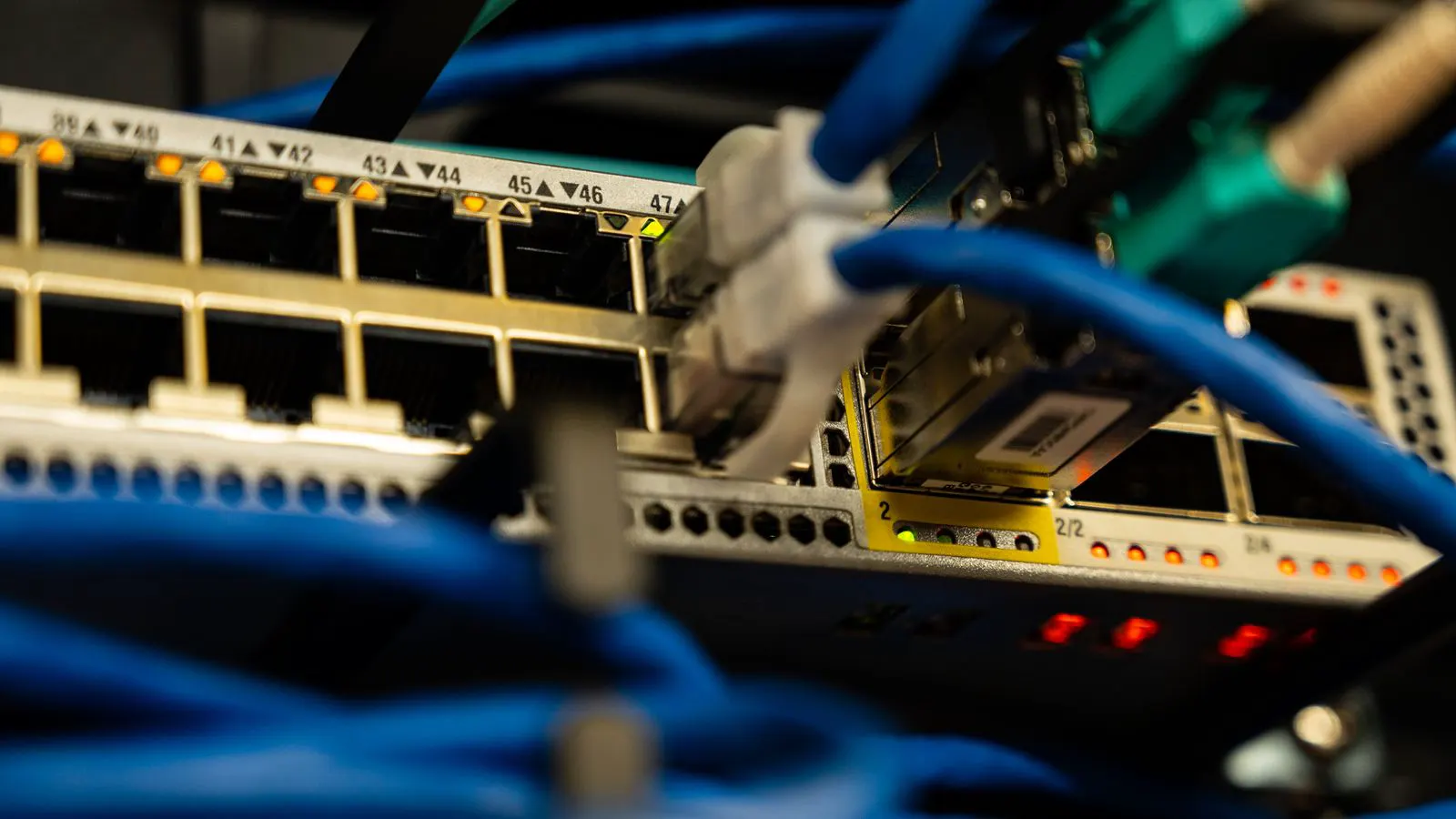
IP cameras tell a different story. You are buying a sensor, an encoder, a network interface, and often a storage module. The camera connects to a switch. You need structured cabling, power over Ethernet switches, and a network video recorder or storage server. The hardware stack is heavier. The cables are more expensive to run than coax. The switches add another line item.
This difference shows up in the quote. A 4K HD-CVI system might include the camera and a 16-channel recorder. An equivalent 4K IP system includes the camera, a 24-port switch, a server, and structured cabling. The analog option usually wins on day one. If your budget is fixed and you need to buy now, HD-CVI cameras often fit the envelope better.
How Lead Time Affects Your Project
Delivery time is a silent killer for security projects. HD-CVI cameras have a simpler supply chain. The components are standard. The coaxial cable is a commodity. The encoders are mature. Most manufacturers keep stock of core analog modules. If you order a standard model, it often ships within a few weeks.
IP cameras are more complex. The network interface, the processor, and the memory are all specialized parts. Global supply chains for these components can shift. A shortage in one region can delay a shipment by months. Even if a manufacturer has the camera, the switch or the storage server might not be ready. This creates a risk. Your camera arrives, but your network does not. The project stalls.
For time-sensitive installations, HD-CVI cameras offer a buffer. You can build the system faster. The lead time is shorter. If you are retrofitting an existing analog system, you can swap cameras without re-running cable. That saves labor and time. IP systems require a full network rebuild. The delivery risk is higher. The timeline is less predictable.
Total Ownership: The Long Game
Upfront cost is only the beginning. You need to look at the life of the system. HD-CVI cameras use coaxial cable. That cable is durable. It resists interference. It does not need to be re-terminated often. The recorder is a standalone device. If it fails, you replace it. The cost is low. The downtime is short.
IP cameras use Ethernet. That cable is flexible. It can run longer distances. But it is more sensitive to interference. You need to manage the network. You need to update firmware. You need to secure the devices. That takes labor. That takes time. If a switch fails, you might lose multiple cameras at once. The repair cost is higher. The downtime can be longer.
Over five or ten years, IP systems often have lower operational costs. They are more efficient. They use less power. They are easier to update. HD-CVI systems have higher operational costs. The recorders draw more power. The maintenance is more frequent. But the initial outlay is lower. You need to decide which cost matters more to you.
How to Write a Clear RFQ
A vague RFQ gets you vague quotes. You need to be specific. List the exact number of cameras. State the resolution and the frame rate. Specify the storage requirement. Do not just say “4K.” Say “4K, 30 fps, H.265.” Do not just say “30 days.” Say “30 days of continuous recording, 500 fps, H.265.”
Include the site conditions. Is it outdoor? Is it wet? Does it need a lens? Specify the lens. State the power requirements. Is it PoE or 12V? For HD-CVI, specify the cable type. For IP, specify the switch type. A clear RFQ helps the vendor price the system correctly. It also helps you compare quotes fairly.
If you want to compare HD-CVI and IP, send the same RFQ to both. Ask for a total price. Ask for the lead time. Ask for the warranty. Ask for the maintenance plan. Do not just look at the camera price. Look at the total package. A cheap camera with a high-cost installation is not a deal. A high-cost camera with a low-cost installation might be.
How to Compare Quotes Fairly
Vendors quote differently. Some include installation. Some do not. Some include the recorder. Some do not. You need to normalize the quotes. Create a spreadsheet. List each line item. Camera. Cable. Recorder. Switch. Labor. Warranty. Compare the numbers.
Do not compare the camera price alone. A $200 camera is not a fair comparison to a $300 camera if the first one requires a $500 installation and the second one requires a $100 installation. Look at the total. Look at the lead time. Look at the warranty. A lower price with a longer lead time is not always better. A higher price with a shorter lead time might save you money in the end.
Use the table below to track your options. Fill in the numbers as you receive quotes. This makes the comparison objective. It removes emotion from the decision. It forces the vendors to be clear. It helps you see the real cost.
| Cost Driver | HD-CVI System | IP System |
|---|---|---|
| Camera Unit | Lower upfront cost | Higher upfront cost |
| Cabling | Coaxial, low cost | Ethernet, higher cost |
| Recording Unit | Standalone recorder | Network video recorder or server |
| Network Infrastructure | Not required | Switches and cabling required |
| Installation Labor | Simpler, lower cost | Complex, higher cost |
| Maintenance | Basic hardware checks | Firmware and network management |
What to Ask the Vendor
Before you sign, ask the vendor for the lead time. Do not accept a general answer. Ask for a specific date. Ask for the warranty terms. Ask for the maintenance plan. Ask for the power consumption. Ask for the storage life.
Ask about the cable. For HD-CVI, ask about the cable gauge. For IP, ask about the cable length. Ask about the lens. Ask about the IR range. Ask about the IP rating. These details matter. They affect the cost and the performance.
If the vendor is vague, walk away. A professional vendor should be able to answer these questions. If they cannot, they are not ready to serve you. You need a partner. You need clarity. You need a system that works. Ask the right questions and get the answers you need.
When to Choose HD-CVI
Choose HD-CVI cameras when your budget is tight. Choose them when you need a fast delivery. Choose them when you are retrofitting an existing analog system. Choose them when you want a simple, low-maintenance setup.
HD-CVI cameras are a solid choice. They are reliable. They are easy to install. They are cheap to run. If your site is not critical, they are a good option. If your site is critical, you might want IP.
When to Choose IP
Choose IP cameras when you need high resolution. Choose them when you need to integrate with other systems. Choose them when you need a long cable run. Choose them when you want a scalable system.
IP cameras are a solid choice. They are flexible. They are scalable. They are easy to manage. If your site is critical, they are a good option. If your site is not critical, you might want HD-CVI.
Frequently asked questions
Are HD-CVI cameras cheaper than IP cameras?
Yes, HD-CVI cameras usually have a lower upfront cost. The infrastructure is simpler and the cable is cheaper. The total package is often less expensive than an IP system.
Do HD-CVI cameras have a shorter lead time?
Yes, HD-CVI cameras generally have a shorter lead time. The supply chain is simpler and the components are more standard. You can often get them faster than IP cameras.
What is the total cost of ownership for HD-CVI?
The total cost of ownership for HD-CVI is higher over time. The maintenance is more frequent and the power consumption is higher. The initial cost is lower, but the long-term cost is higher.
Can I upgrade an HD-CVI system to IP?
Yes, you can upgrade to IP, but it requires a full system rebuild. You need to re-run the cable and install new network equipment. It is not a simple swap. Plan for a significant project.
How do I compare quotes for HD-CVI and IP?
Compare the total package, not just the camera price. Include the cable, the recorder, the switch, and the labor. Normalize the quotes in a spreadsheet. Look at the lead time and the warranty.