Why NVR Storage Fails: Common Causes and Fixes
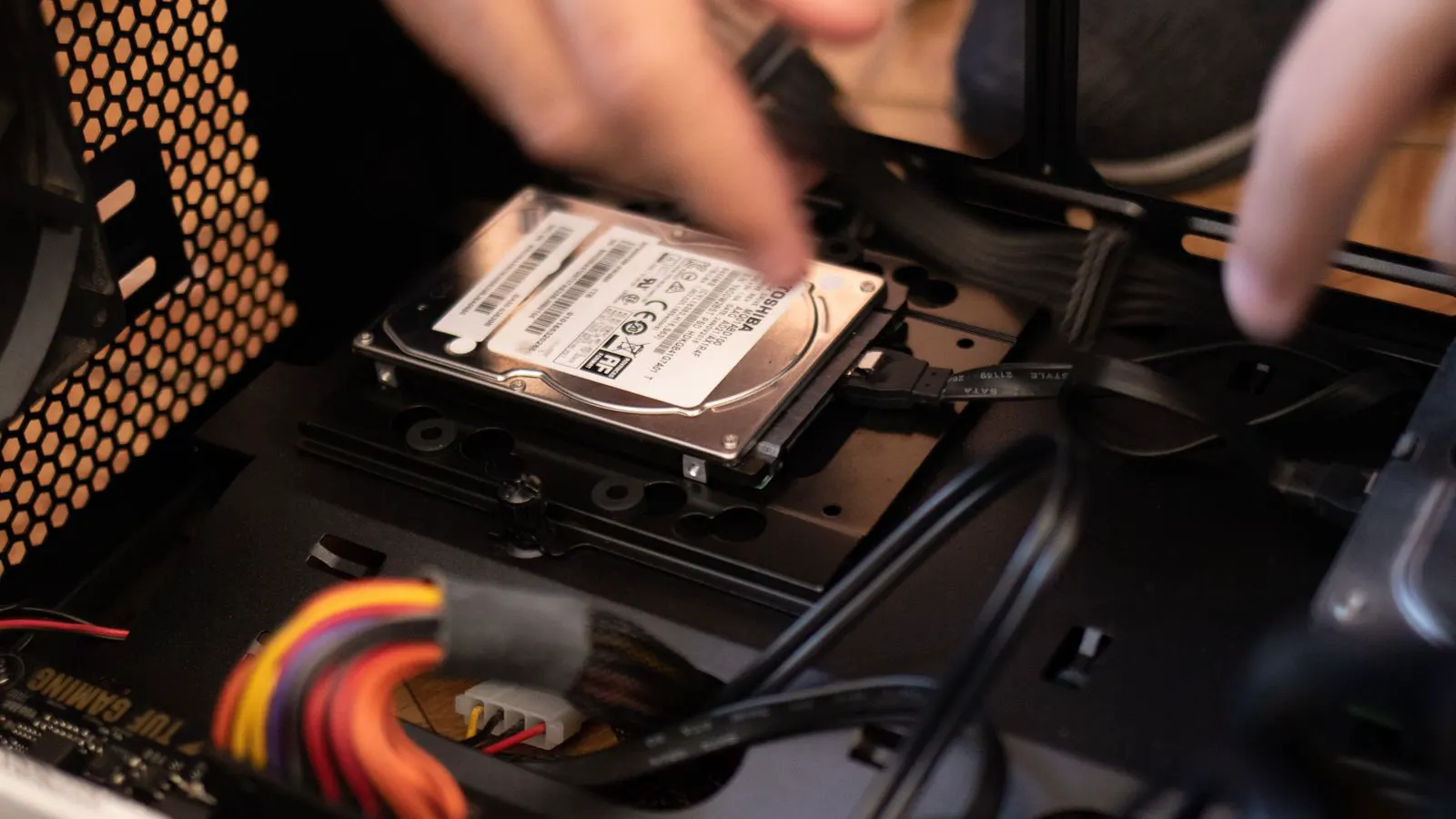
NVR storage failure usually stems from drive degradation, firmware issues, or network instability. This guide lists common symptoms, likely causes, and practical fixes. You will find a troubleshooting table, prevention checks, and steps to restore missing footage.
- Check drive health and logs before replacing hardware.
- Verify network stability and write speeds to prevent silent data loss.
- Use redundant drive arrays and regular backup routines to protect retention.
- Update firmware carefully and test recordings after major changes.
- Monitor storage usage and retention policies to avoid accidental overwrites.
Introduction
Missing video footage often points to a deeper problem than a simple file missing from a playlist. NVR storage failure can appear as corrupted clips, gaps in the timeline, or a drive that shows as offline. The root causes are usually mechanical, software, or network related, and they follow recognizable patterns.
This guide covers the symptoms engineers and site managers see most often. It pairs each symptom with the most likely cause and a clear fix. The goal is to help you isolate the fault quickly and restore reliable recording.
Understanding the Failure Modes
NVR storage systems handle two main jobs. They write video in real time and they preserve that data long enough for review. When either job fails, the result is data loss.
There are three broad failure modes. The first is a hardware failure where a drive dies or a controller stops responding. The second is a logical failure where the file system becomes corrupted or the recording path is interrupted. The third is a network failure where the NVR cannot receive data from the cameras or write to the array in time.
Most incidents fall into one of these categories. Identifying which one applies saves time.
Symptom-Based Troubleshooting
Use the table below to match what you see on the interface with the underlying problem. This is the fastest way to narrow down the search.
| Symptom | Likely cause | What to do |
|---|---|---|
| Drive shows as offline or missing | Drive failure, loose connection, or controller issue | Reseat the drive, check S.M.A.R.T. data, and replace if errors appear in the log. |
| Gaps in the timeline | Network instability or insufficient write speed | Check switch ports, cable integrity, and ensure the NVR write speed matches the total camera bandwidth. |
| Corrupted or unplayable clips | File system corruption or firmware bug | Run a file system check, update firmware, and verify the recording path. |
| Low retention time despite free space | Full drive or incorrect retention setting | Delete old footage, verify the retention policy, and check for hidden log files consuming space. |
| Intermittent recording | Power supply issues or overheating | Check the power supply unit, clean dust from vents, and monitor internal temperatures. |
| No new recordings at all | NVR crash or storage array failure | Reboot the system, check the event log for errors, and verify the array health status. |
Hardware and Drive Health
The hard drive is the most common point of failure. Mechanical drives have moving parts that wear out. Solid state drives have a limited number of write cycles. Both types degrade over time, but they fail differently.
Mechanical drives often show warning signs before a hard failure. You may see increased seek times, click noises, or a drop in read speed. The NVR interface may not always flag this clearly, so do not rely on the status light alone.
Check the S.M.A.R.T. data for each drive. Look for attributes like Reallocated Sectors Count, Current Pending Sector Count, and Uncorrectable Errors. If any of these values are rising, the drive is failing. Replace it immediately.
Solid state drives in an NVR context are less common for high-write workloads due to cost and endurance limits, but they are used in some systems. They fail differently. They may stop writing entirely without warning. Check the vendor documentation for the expected write endurance of the specific drive model.
Do not mix drive models or capacities in a single array without checking the vendor compatibility matrix. Mismatched drives can cause array instability.
Network and Bandwidth
Even with healthy drives, an NVR will fail to record if it cannot receive data fast enough. This is a bandwidth and latency issue.
The total bandwidth required is the sum of all camera streams. If you have ten cameras at 8 Mbps each, you need 80 Mbps of sustained throughput from the switch to the NVR. Add overhead for TCP/IP protocols, and you need more.
Check the switch port speeds. A 1 Gbps switch is standard, but ensure the port is not degraded to 100 Mbps due to a bad cable or a faulty transceiver. A bad cat5e cable can limit a port to 100 Mbps, which will starve a system with multiple high-resolution cameras.
Latency matters too. If the network has high latency or packet loss, the NVR may drop frames or fail to complete writes. Run a continuous ping test from the NVR to each camera. Look for packet loss and jitter.
If the cameras are on a separate VLAN from the NVR, verify that the routing is correct and that quality of service rules are not deprioritizing video traffic.
Firmware and Software
Firmware bugs are a common cause of logical storage failure. A bad update can corrupt the file system or break the recording engine.
Before updating, check the release notes for known issues. Do not update multiple NVRs at once if possible. Update one unit, test it for 24 hours, and then proceed to the rest.
If an NVR starts behaving strangely after an update, roll back to the previous stable version. Keep a local copy of the firmware image in case the web interface fails.
Also check the system clock. If the time is wrong, retention policies may delete the wrong files. Ensure the NVR is syncing with a reliable NTP server.
Power and Environment
An NVR that loses power during a write operation can corrupt the file system. A power supply that sags under load can cause intermittent drops.
Check the power supply unit. If it is an external brick, test it with a known good unit. If it is an internal ATX unit, check the capacitors for bulging or leakage.
Heat is a silent killer. NVRs are often installed in closets or cabinets with poor ventilation. High internal temperatures reduce drive life and can cause thermal shutdowns.
Open the case and inspect the fans. Clean dust from the heatsinks and filters. If the ambient temperature is above 35 degrees Celsius, add forced airflow or move the unit to a cooler location.
Retention and Capacity Planning
Retention time is not just a setting. It is a function of storage capacity and data generation rate.
If you set a 30-day retention but the drive fills up in 15 days, the system will overwrite footage early. This is not a failure, but it is a misconfiguration.
Calculate the required capacity based on the total camera bandwidth and the desired retention period. Do not guess. Use the vendor tool or a simple calculation. Add a buffer of 10 to 20 percent for logs, system files, and unexpected spikes in traffic.
If you need to extend retention, add more drives or upgrade to a larger capacity. Do not just extend the setting. The data will still be overwritten if the drive is full.
Prevention and Maintenance
Prevention is cheaper than recovery. Build a routine into your operations.
- Check S.M.A.R.T. data monthly for all drives.
- Review the NVR event log weekly for warnings or errors.
- Test playback from each camera channel quarterly.
- Verify the network bandwidth and latency monthly.
- Back up critical settings and logs to an offsite location.
- Test the power supply under load annually.
Document your setup. Record the drive models, firmware versions, camera resolutions, and network topology. This information is invaluable when something goes wrong and you need to replicate a known good state.
Also, test your restore process. If you rely on backups, make sure you can actually restore a file from the backup. A backup you cannot read is not a backup.
When to Replace the System
Sometimes the fix is not repair. If an NVR is end of life, the vendor may not provide firmware updates or support. If the hardware is no longer available, finding replacement parts becomes difficult.
Evaluate the total cost of ownership. If you are spending more on repairs and downtime than the cost of a new unit, replace it.
When replacing, use the old system as a reference. Export the configuration, note the camera settings, and map the IP addresses. This minimizes the time required to bring up the new system.
Do not migrate data directly from a failing drive to a new system. Copy the data to a temporary drive first, verify the integrity, and then move it to the new NVR.
Conclusion
NVR storage failure is rarely a single event. It is a chain of small failures that lead to a breakdown. A loose cable, a degraded drive, a bad firmware update, or a power fluctuation can all trigger the problem.
The key is to diagnose the symptom, match it to the cause, and apply the fix. Use the troubleshooting table above to start. Check the hardware, the network, and the software in that order.
By following the prevention steps, you can keep your surveillance storage running reliably. Protect your retention time and ensure you have the footage you need when you need it.
Frequently asked questions
How do I know if my NVR hard drive is failing?
Check the S.M.A.R.T. data for rising error counts. Listen for unusual noises. If the NVR interface shows the drive as offline or if playback stutters, the drive is likely degrading.
Can I recover corrupted video from an NVR?
Sometimes. If the file system is corrupted, a file system check may repair it. If the drive is physically failing, recovery is difficult and expensive. Always have a backup of critical footage.
What is the best way to prevent NVR storage failure?
Use redundant drive arrays, check drive health regularly, verify network bandwidth, and keep firmware updated. Maintain a clean, cool environment and test the power supply.
How much storage do I need for 30 days of retention?
It depends on the number of cameras, their resolution, and the frame rate. Calculate the total bandwidth in bits per second, multiply by the number of seconds in 30 days, and add a buffer. Use a vendor tool for accuracy.
Should I use SSDs or HDDs in my NVR?
For most NVR applications, hard disk drives are the standard due to cost and capacity. Solid state drives are used in some systems for faster access or in environments where vibration is a concern. Check the vendor compatibility matrix.