IP Camera Procurement: Cost and Lead Time Trends
IP camera procurement cost depends on resolution, lens type, mounting, and network infrastructure. Lead time trends shift with component availability and regional logistics. A clear RFQ with exact specs and delivery dates helps you compare surveillance hardware pricing fairly and avoid surprise delays.
- IP camera procurement cost is driven by resolution, lens, PoE budget, and installation complexity.
- Camera lead time trends depend on component supply chains and regional warehouse stock.
- A specific RFQ with quantities and delivery dates makes surveillance hardware pricing easier to compare.
- Always verify warranty terms and firmware update support in the final quote.
- Factor in network upgrades and cabling costs, not just the camera units.
What Drives IP Camera Procurement Cost
The price of an IP camera is not just a function of the lens. It is a sum of several variables that compound during a project. Resolution matters, but so does the type of image sensor, the processing power required for analytics, and the physical housing. A 4K camera with a fixed lens costs less than a 4K camera with a pan-tilt-zoom mechanism and built-in encryption. The difference can be significant because the PTZ mechanism requires motors, gears, and a more complex control board.
Material costs for the housing also move the price. Outdoor-rated cameras use IP67 or IP68 enclosures made of polycarbonate or die-cast aluminum. These materials cost more than the plastic shells used for indoor dome cameras. The lens itself is a separate line item. Varifocal lenses allow adjustment during installation, which adds cost but saves labor. Prime lenses are cheaper but require careful placement. If a prime lens is installed two meters too far, the field of view will be wrong, and you will need to buy a different unit to fix the error.
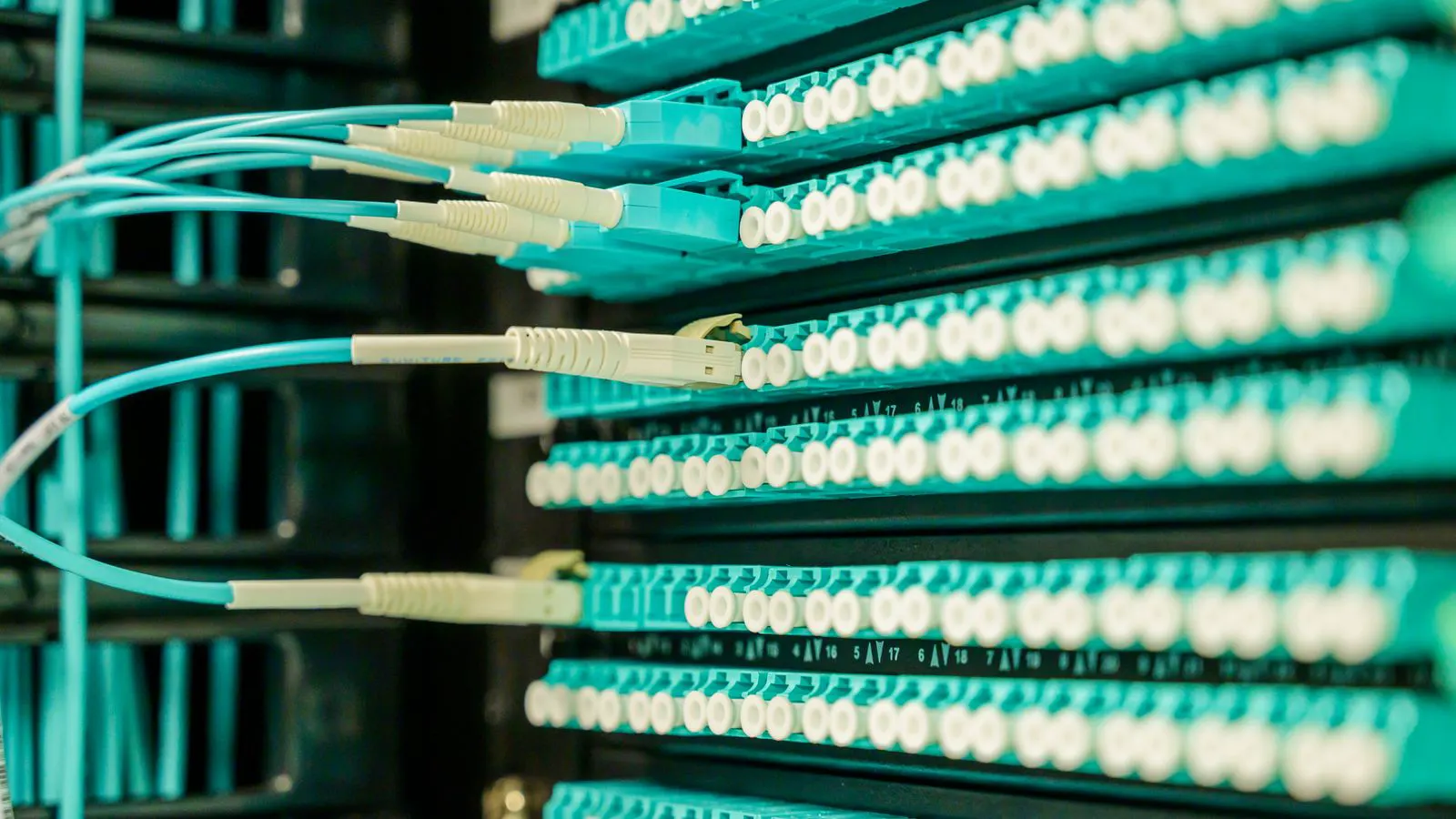
Network infrastructure is the hidden driver. If your facility lacks sufficient Power over Ethernet (PoE) bandwidth, you must add switches, injectors, or extenders. The cost of these network components often exceeds the cost of the cameras themselves. A large deployment might spend more on network cabling and rack space than on the camera units. Consider a warehouse with long cable runs. If the existing switches are standard Ethernet and do not support PoE, every camera needs a separate power supply or an injector. This adds hardware, installation time, and maintenance complexity.
How Camera Lead Time Trends Affect Planning
Lead time for surveillance hardware varies by region and supplier. Major manufacturers typically keep stock of standard models in regional warehouses. These units can ship within days. Custom configurations, such as specific lens focal lengths or non-standard mounting brackets, take longer. If you need a camera with a specific IP rating that is not in the standard stock, the manufacturer may need to pull a unit from a central plant and ship it to the regional hub first.
Global supply chain disruptions still affect component availability. Image sensors and memory chips are produced in limited facilities. When demand for consumer electronics spikes, industrial sensors can face delays. This means a camera that was in stock last quarter might have a six-week wait time now. The delay is not always caused by a crisis. Sometimes it is caused by a change in production schedules or a shift in demand for a specific sensor size.
Seasonal trends also impact delivery. The holiday season and the start of the fiscal year drive demand for building automation and security projects. Suppliers often prioritize large contracts during these periods. Smaller projects may face longer waits. It is wise to order critical components earlier than your installation date allows. If your installation is scheduled for March, place the order for the cameras in January. This gives you time to handle any shipping delays or customs issues without stopping the installation crew.
How to Write a Clear RFQ for Better Quotes
A Request for Quote (RFQ) is the document that determines the quality of the pricing you receive. Vague requests lead to vague quotes. If you ask for “high quality IP cameras,” you will receive different prices from different vendors because “high quality” is subjective. One vendor may interpret this as a high-end PTZ unit with advanced analytics. Another may send a basic bullet camera with a fixed lens.
Specify the exact model numbers if you have a preference. If you are open to alternatives, list the required specifications. Include resolution, frame rate, codec support, and lens type. State the environment. Indoor cameras do not need the same housing as cameras exposed to rain and dust. For example, a camera for a server room needs a different housing than one for a parking garage. The server room camera needs to handle temperature fluctuations and potential vibration from cooling fans. The parking garage camera needs to handle condensation and UV exposure from sunlight through skylights.
Include quantities. A quote for ten cameras is structured differently than a quote for a thousand. Volume discounts change the unit price. State the required delivery date and location. Some suppliers charge for freight, while others use flat rates. Clarify who is responsible for customs duties if importing equipment. If you are importing from a manufacturer in Asia, the cost of duties and taxes can be a significant portion of the final price. Get this confirmed in writing before you commit.
Ask for the warranty terms in writing. Standard warranties usually cover hardware defects. Some vendors offer extended support for firmware updates. This distinction matters for long-term maintenance. If a vendor stops supporting a firmware version, your cameras may become vulnerable to new security threats. Ask for the expected support lifespan for the hardware.
How to Compare Quotes Fairly
Vendors quote different items. One quote may include mounting hardware, while another assumes you have the brackets. One may include a one-year warranty, while another includes three years. To compare surveillance hardware pricing fairly, you must normalize the items. Create a spreadsheet with columns for each item. Camera unit, lens, housing, switch, cabling, labor, and warranty. If a vendor does not itemize the cost, ask them to. A lump sum quote hides the value of the included components.
Check the total cost of ownership, not just the purchase price. A cheaper camera that requires frequent firmware updates or has a shorter warranty may cost more over time. Factor in the cost of network upgrades. If the quote assumes your existing network is sufficient, verify that assumption. Look at the bandwidth requirements for each camera. If you have 50 cameras streaming at high resolution, your existing network may not handle the load. You may need to upgrade your switches or add more bandwidth.
Cost Drivers Table
| Cost Driver | Description | Impact on Price |
|---|---|---|
| Resolution | 4MP, 8MP, or 16MP sensors | Higher resolution increases cost |
| Lens Type | Fixed, varifocal, or PTZ | PTZ and varifocal lenses add cost |
| Housing | Indoor plastic vs outdoor metal | Outdoor metal housings cost more |
| Network | PoE switches and cabling | Network upgrades can exceed camera cost |
| Analytics | AI features like face detection | Advanced analytics increase price |
| Warranty | Length and scope of coverage | Extended warranties add to total cost |
Common Procurement Mistakes to Avoid
Buyers often focus on the camera unit and forget the ecosystem. A camera without a power source is useless. A camera without a network connection is a paperweight. Budget for the power and data infrastructure before purchasing the cameras. Many projects fail because the network team and the security team work in silos. The security team buys the cameras, and the network team discovers later that the switches are full.
Another mistake is ignoring the installation environment. A camera mounted in direct sunlight may overheat and fail. A camera installed in a humid basement may suffer from condensation. Specify the operating temperature range in your RFQ. Vendors can recommend the right housing if you tell them the conditions. For example, a camera for a rooftop in a cold climate needs a different heater than one for a warehouse in a tropical climate. The heater is not always included in the standard price.
Finally, do not rely on verbal promises. If a supplier says they can deliver in two weeks, get it in writing. Lead time trends can change quickly. A written commitment protects your project timeline. If the delivery date moves, the contract should specify the consequences. Some contracts include penalties for late delivery. Others allow you to cancel and get a refund. Make sure these terms are clear before you sign.
Managing Supply Chain Risk
To mitigate risk, build a buffer into your schedule. Order components two to four weeks before you need them. Maintain a small stock of spare cameras and network switches. These items are expensive and hard to source quickly. If one camera fails, you do not want to stop the entire installation to wait for a replacement. Keep spares in your central storage area so they are ready to deploy when needed.
Diversify your suppliers. Relying on a single vendor creates a bottleneck if their supply chain fails. Use multiple vendors for critical components. This also allows you to negotiate better prices by playing suppliers against each other. If you have two or three suppliers who can provide the same camera model, you can use one as use to get a better price from the other. This does not mean you should buy from all of them. It means you should have options if one supplier runs into trouble.
Keep your documentation organized. Store RFQs, quotes, and contracts in a central location. If a project is delayed, you need to know exactly what was ordered and when. Good documentation speeds up troubleshooting and future orders. If you have a similar project next year, you can use the previous documentation as a template. This saves time and reduces the chance of making mistakes.
Final Thoughts on Planning
Planning an IP camera project requires looking beyond the hardware. The camera is just the start. The network, power, and installation environment determine the success of the system. A clear RFQ and careful comparison of quotes ensure you get the right equipment at the right price. Do not let the price of the camera unit distract you from the total cost of the project.
Lead time trends are unpredictable, but they can be managed. By ordering early and verifying delivery dates, you reduce the risk of delays. A well-planned procurement process protects your budget and your schedule. Review your plan regularly as the project progresses. If new information comes up, adjust your orders and your schedule accordingly. This keeps your project on track and ensures you get the best value for your money.
Frequently asked questions
How long does it take to receive IP cameras?
Standard models from regional warehouses usually arrive within days. Custom or out-of-stock items can take several weeks. Always confirm the lead time in writing.
What is the biggest cost driver for IP camera systems?
Network infrastructure is often the largest hidden cost. PoE switches, cabling, and rack space can exceed the cost of the cameras themselves.
How can I get a better price on surveillance hardware?
Buy in volume and specify exact requirements. A detailed RFQ with quantities and delivery dates helps vendors offer competitive pricing.
Do I need to buy spare cameras?
Yes, it is wise to keep spares on hand. Lead times can be long, and a failed camera in a critical area can cause downtime.
How does the environment affect camera cost?
Outdoor cameras require heavier, more expensive housings to withstand weather. Indoor cameras can use lighter, cheaper materials.